Content
Here you have the option to create DSGVO information for signatories or users of your instance.
1. Step-by-step instructions: Creating a DSGVO information in MOXIS
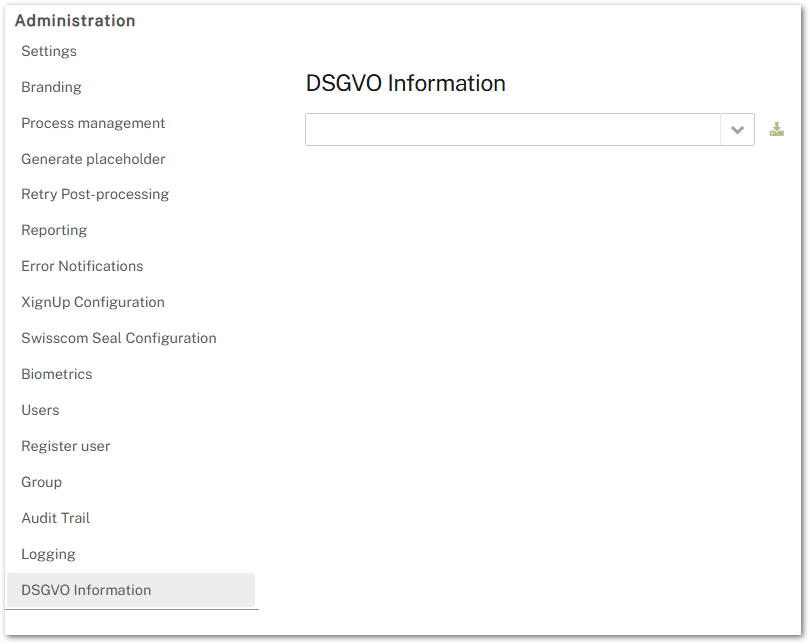
1.1 Step 1: Open the DSGVO Information tab in the administration area
Figure 1 shows an overview of the DSGVO dashboard of the administration interface.
1.2 Step 2: Create the DSGVO information for a specific person
Please enter the email address of the person for whom you want to create DSGVO information and click on the download icon.
1.3 Step 3: Save the DSGVO information
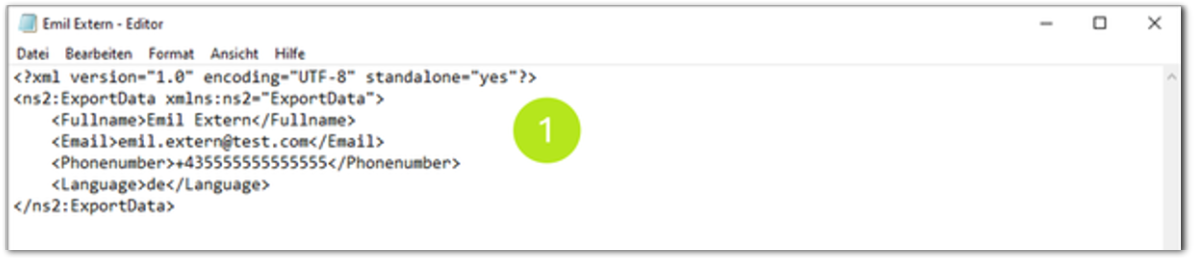
The GDPR information contains a list of the data stored by this user (see figure 2 [1]). This includes:
-
First and last name
-
Email
-
Telephone number
-
Language
The file can be opened in an appropriate programme (e.g. Notepad) and saved in a GDPR-compliant environment or forwarded to the user in accordance with GDPR regulations.