
Content
Just like individual jobs, serial jobs can also be managed in MOXIS. This article shows you how to optimise your use of this function in MOXIS.
1. Introduction: Sent jobs – managing serial jobs in MOXIS
Jobs with a serial function are saved in the Sent jobs menu in the Sent jobs folder in the job overview (see figure 1). You can open this overview by clicking on the Sent jobs menu item in the main menu.
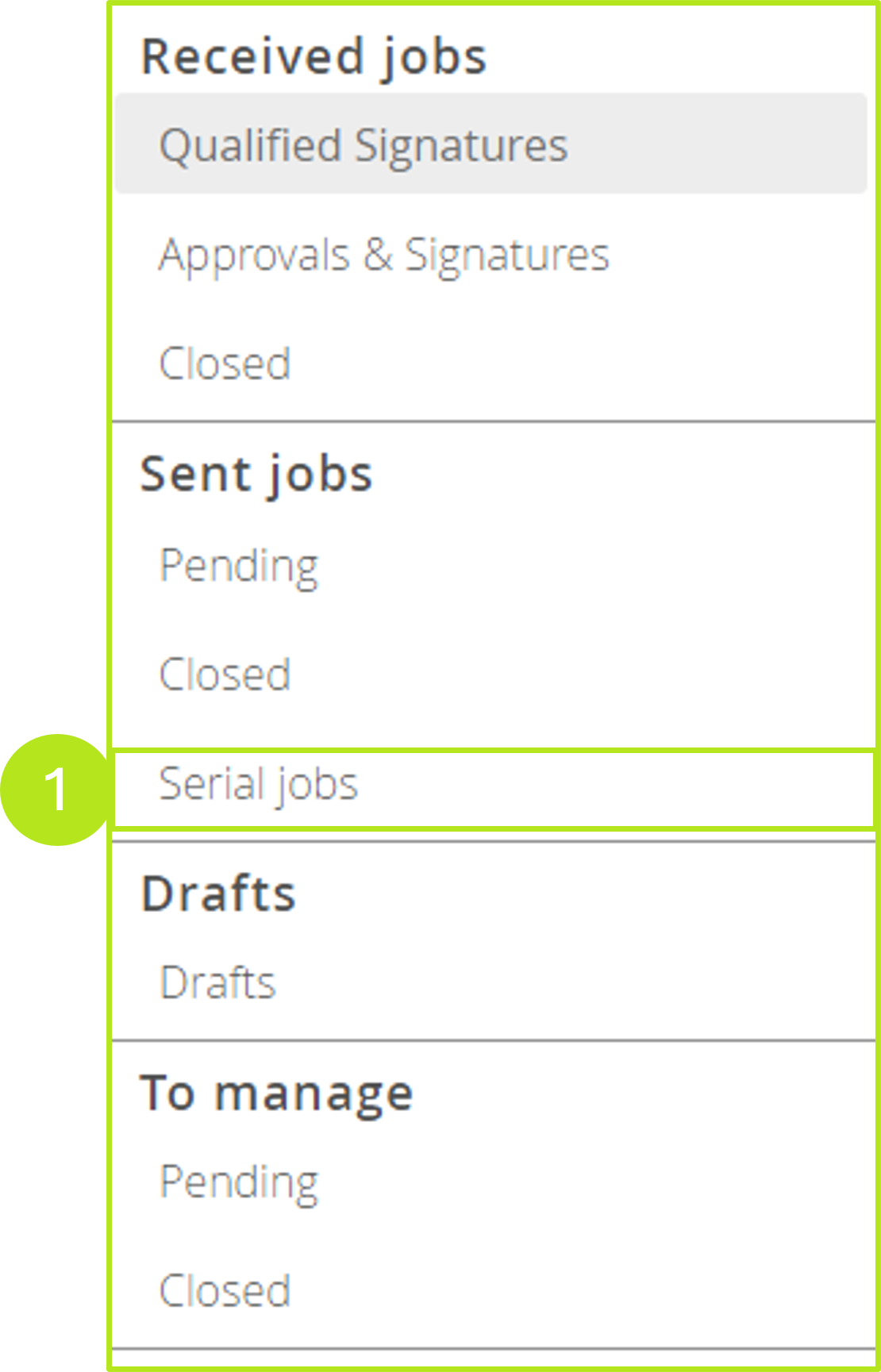
This folder can be used to track the status of jobs using the series function (see Figure 2). A row is created for each job, with the sort order corresponding to the creation date in descending order. The overview page displays the following information:
-
Creation date
-
Document
-
Status
-
Pending (only displayed while orders are being sent)
-
Created (with X errors)
-
Pending (with X errors)
-
Completed
-

1.1. Checking jobs with a serial function
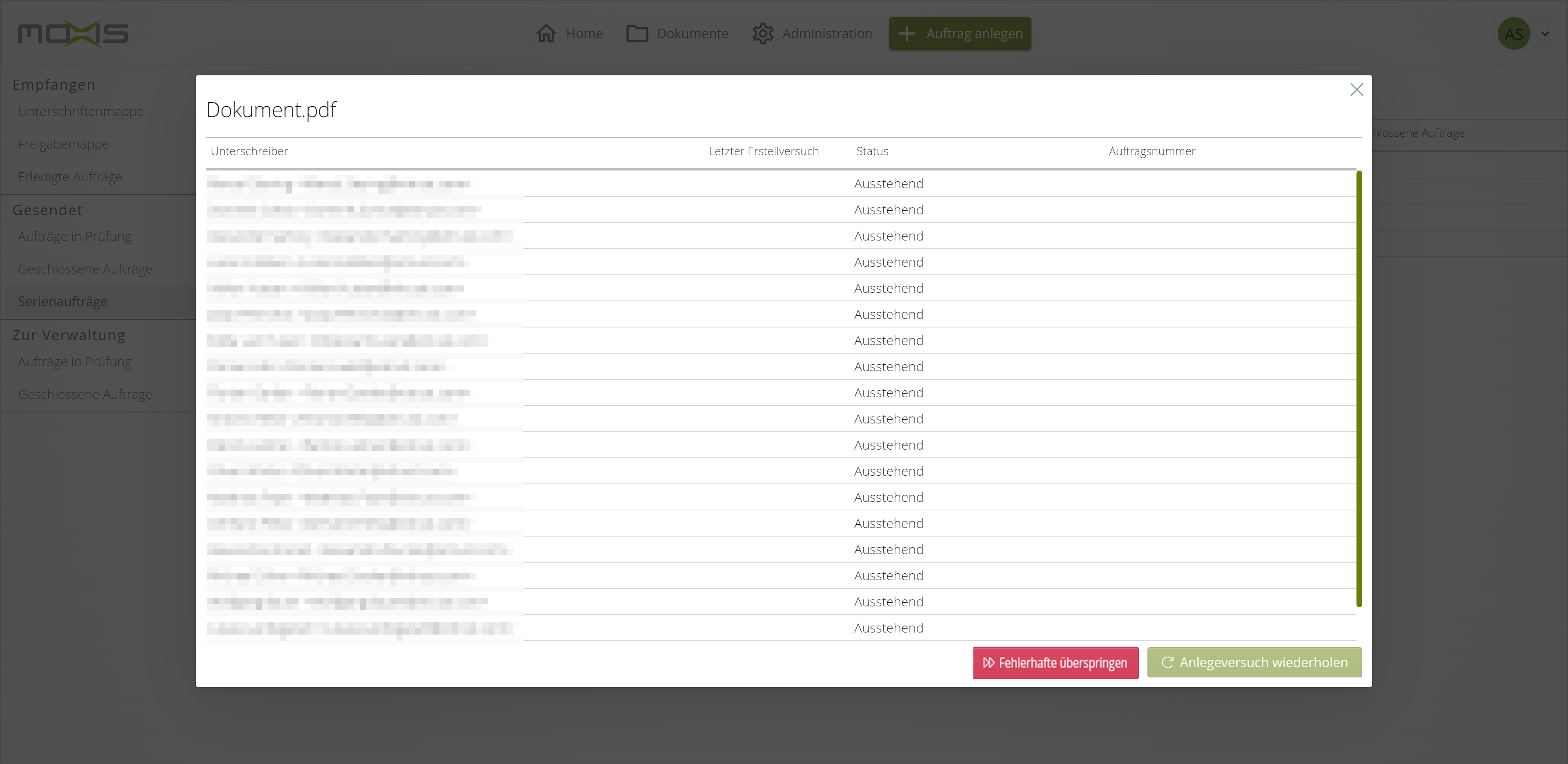
To check a job with a serial function in more detail, click on the corresponding entry. The detail window displays the following information:
-
Signer
-
Last creation attempt
-
State
-
Pending (an attempt to create the job is pending)
-
Open (processing of the created job by the recipient(s) is pending)
-
Incorrect (an error occurred when trying to create the job)
-
Manually skipped
-
Cancelled (the person rejected the job, there was a timeout, the constitutent stopped the job)
-
Deleted (the task was deleted according to the deletion period or by the constitutent)
-
-
Job number
Ideally, the state of a job with a serial function changes as follows:
|
State |
-->
|
-->
|
-->
|
-->
|
|---|---|---|---|---|
|
Overall state |
Pending |
Created |
Completed |
|
|
Documents |
Pending |
Open |
Successful |
Deleted |
1.2. Resending Faulty Jobs with Series Functions
If an error occurs during the creation process, the job can still be processed further. You have two options:
-
You can restart such faulty jobs with the button [Retry Creation] (see figure 3) or
-
you can stop them by clicking the [Skip Faulty Jobs]-button (see figure 3). If necessary, these jobs have to be restarted from scratch.
Please note: Jobs with a serial function are stored in the Serial jobs folder according to the configured deletion period.